

JengDeal pick: Jetpac eSIM code JIMD8W12, US$5 off your first data pack
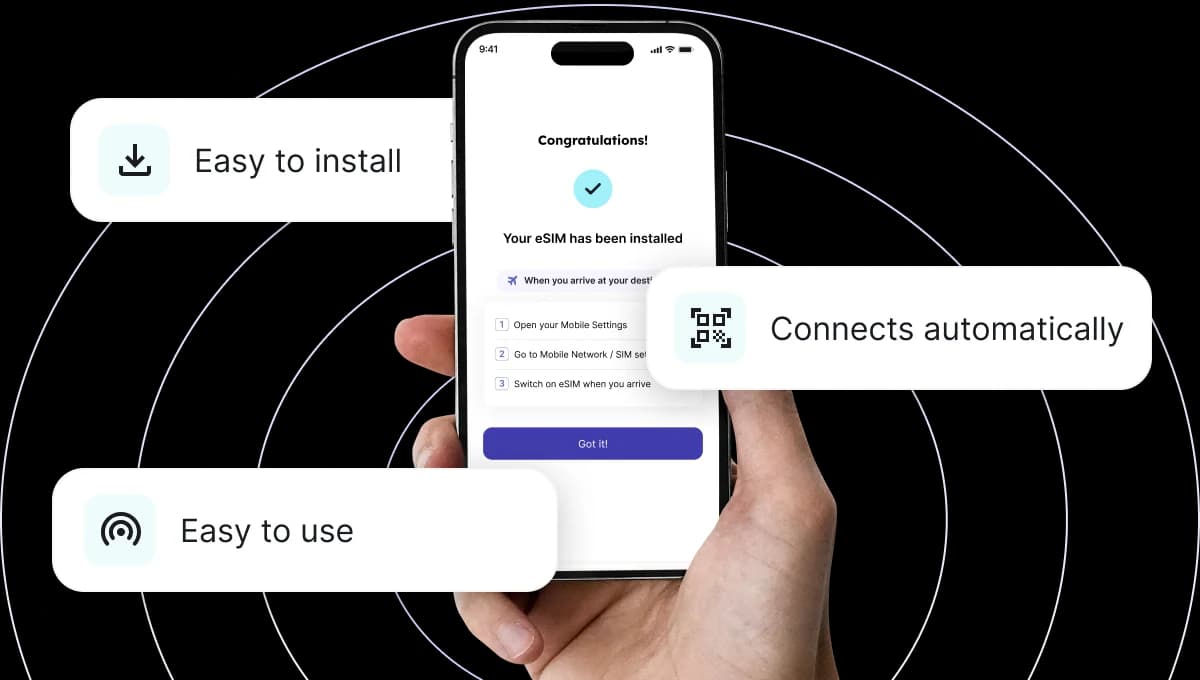
Singapore's Jetpac sells data-only travel eSIMs for 200+ places, and a delayed flight can even get you into a lounge for free. Use our link or JIMD8W12 on a first pack above US$10 and US$5 comes straight off: Japan 7 days 10GB drops from US$18.50 to US$13.50. You pay in US dollars, as there's no HKD option.
Read our full assessment →Quick answer
Use code JIMD8W12 for the Jetpac offer. New eligible customers can get US$5 off after meeting the requirement: Your first Jetpac data pack has to cost more than US$10; the US$5 comes off that pack. Last verified 2026-11-23.
- Reward
- US$5 off
- Referral code
JIMD8W12- Last verified
- 2026-11-23
- Difficulty
- Easy
- Time to claim
- About 10 minutes to sign up, pick a pack and install the eSIM
- Time to payout
- Instant: the US$5 comes off your first pack at checkout, with no cashback or points to wait for
JIMD8W12Ad / referral links — we may earn a bonus when you sign up.
How to claim
- Dial *#06# and look for an EID to make sure your phone is unlocked and takes an eSIM. Most dual-SIM iPhones bought in Hong Kong or Macao don't, so check before you buy.
- Tap our Jetpac link. Laptop users land on Jetpac's website with JIMD8W12 already on board; iPhone users get bounced to the App Store, so install the app and sign up there.
- Open a new Jetpac account. The deal is for a new customer's first eSIM, once per account and once per device.
- Pick a pack priced above US$10, like Japan 7 days 10GB (US$18.50 list) or Korea 7 days 10GB (US$16). Thailand 7 days 10GB is US$9.50, so it misses the cut.
- Before you pay, make sure US$5 is off the total. If it isn't, log in and type JIMD8W12 into the promo code box; one code per order.
- Install the eSIM at home on Wi-Fi but keep the line off until you land: the pack's days start counting from its first connection abroad.
- Want a free lounge if your flight runs late? Add the flight to SmartDelay in the app a full day (24 hours or more) before take-off.
Eligibility & requirements
- New Jetpac customers only: the discount goes on your first eSIM, once per account and once per device.
- The pack must cost more than US$10; exactly US$10 doesn't count. There's no HKD pricing, so your card may add a foreign-currency fee.
- One voucher or promo code per order; the referral discount can't be combined with other promotions or swapped for cash. Jetpac doesn't say whether it works on sale prices, so check the total before paying.
- Data only: the Jetpac line has no phone number and no SMS. Calls need a paid in-app voice pack (outgoing only).
- Unused packs last 3 months from purchase; once connected, a pack runs for the days you bought and leftover data isn't refunded.
- Unlimited packs give 3GB at full speed every 24 hours, then 1 Mbps until the next cycle.
- An installed eSIM counts as used. Website purchases that can't connect are covered by a money-back guarantee once support can't fix it, claimed up to 15 days after the pack's validity ends.
Verification notes
- Minimum spend/deposit
- Your first Jetpac data pack has to cost more than US$10; the US$5 comes off that pack
- Last verified
- 23 November 2026
Provider terms can change without warning. Treat this as a verification snapshot and confirm the live terms before applying.
Pros
- US$5 off a first pack above US$10: about 27% off Japan 7 days 10GB at its US$18.50 list price
- SmartDelay: a registered flight delayed 60 minutes or more gets you and one travel buddy free lounge access (up to 2 flights per pack)
- One eSIM for life: buy your next destination's pack in the app, no reinstall
- Hotspot works on every pack, unlimited ones included
- 24/7 support on WhatsApp and in-app chat
Watch out for
- Packs of US$10 or less, including lots of 1–5GB ones, don't get the discount
- Data only with no number or SMS, so keep your Hong Kong SIM on for bank texts with its data roaming off
- Unlimited data slows to 1 Mbps after 3GB a day
- No HKD: paying in US dollars may cost a foreign-currency fee
- Tough refunds: installed means used, and support must try a fix before any money back
FAQ
- How does JIMD8W12 get me US$5 off?
- Open a new account through our link and choose a first pack above US$10; the referral discount comes off at checkout automatically. Don't see the US$5? Type JIMD8W12 into the promo code box before you pay.
- Why isn't the US$5 showing on my order?
- Usually one of these: the pack costs US$10 or less, the account or the phone has bought from Jetpac before, or another code is already on the order (only one per order). Go for a bigger pack or remove the other code, then add the referral code again.
- Does it work if I buy in the iPhone app?
- On an iPhone our link opens the App Store. After installing, check the checkout for the US$5 and type JIMD8W12 into the promo code box if it's missing. Or buy at jetpacglobal.com in a browser, where the code rides along from our link to checkout.
- Is Jetpac any good for trips to mainland China?
- There's a China pack on China Unicom: 7 days 10GB lists at US$19.50, or US$14.50 after the code. Jetpac doesn't say whether Google or WhatsApp work on it in the mainland, so ask support on WhatsApp before you head north.
- How do I get into a lounge for free when my flight's late?
- After buying a data pack, register the flight under SmartDelay in the app at least 24 hours before departure, up to 2 flights per pack. If the airline's gate delay hits 60 minutes, you and one buddy registered with you get LoungeKey vouchers by email and SMS. Cancelled flights or ones moved to the next day don't count.
- Can I get my money back if the eSIM won't work?
- Talk to support first; refunds only come once they can't fix it. Website purchases that turn out not to work on your phone, or can't connect, are covered by the money-back guarantee up to 15 days after the pack's validity ends. Otherwise installed means used. Refunds land on your card in 5–10 business days.
Related offers
Provider
HKBN
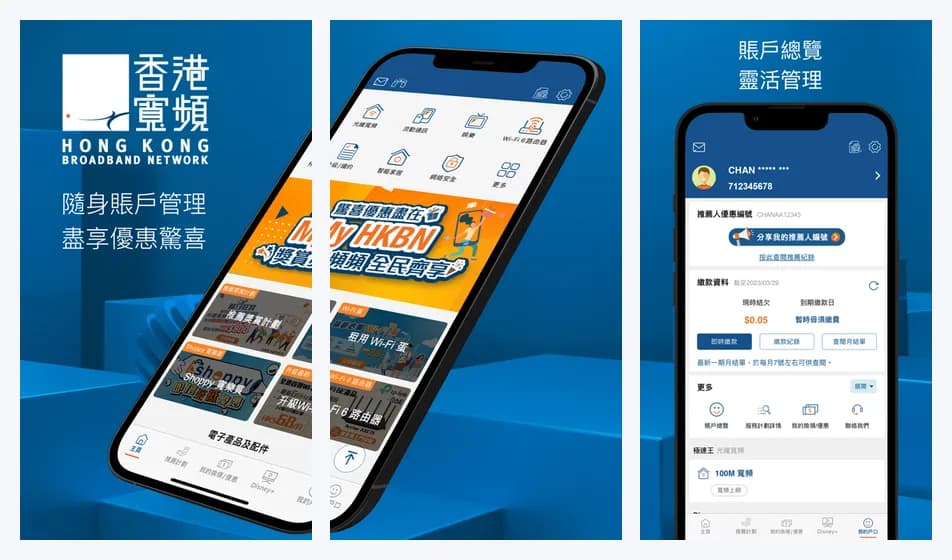
Thinking of moving to HKBN? Open this page’s link and pop KWOKCWJ03554 into the promo code box. Once the service is live and you’ve paid the first bill, HKBN takes the credit off your bills within 8 weeks: HK$400 for 24-month broadband, HK$150 for 24-month mobile, or HK$100 or HK$50 for 24- or 12-month streaming. It’s bill credit, not cash in your bank, so only sign a plan you actually want.
Requirement: A designated 24-month broadband or mobile plan, or a 12/24-month streaming plan, with the first bill paid
EasyAbout 10 minutes to register a plan onlinePayout Within 8 weeks after activation and payment of the first bill
Verified 24 October 2026

Provider
Airalo
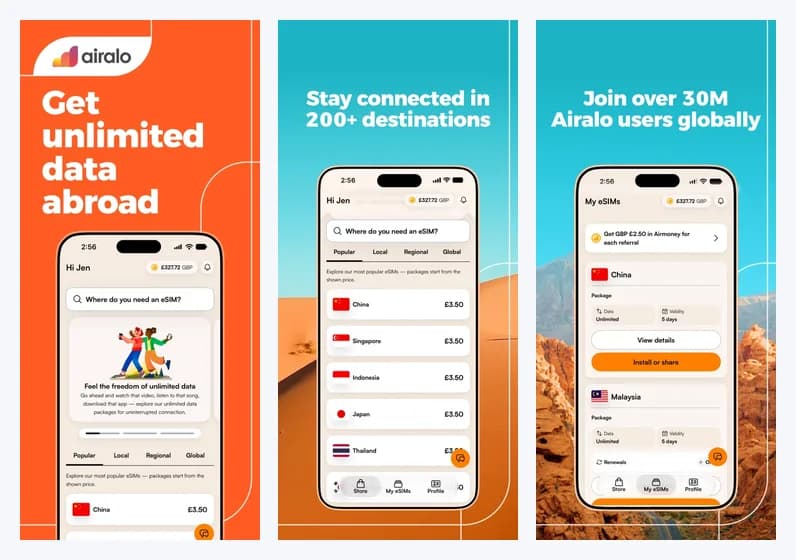
Pick the data pack for your trip, then use JIMMY2336 for US$3 off your first Airalo order. One discount per order, so it's the code or Airmoney, not both, and there's no HKD, so you pay in US dollars or another listed currency. Hong Kong-bought iPhone 11 to 16 (except the 12 mini, 13 mini and 16e), XR and XS Max have no eSIM: dial *#06# for an EID before you buy.
Requirement: First purchase only; Airalo's Refer and earn page lists no minimum spend
Easy5 minutesPayout Discount applied to your first eSIM purchase
Verified 13 October 2026

Provider
Yolla

Get started with Yolla through the invite link on this page and code A7T8I9. The app lets you make low-cost calls to mobiles and landlines worldwide using Wi-Fi or mobile data. You'll need to make a paid top-up first: Yolla's official Free Credits page says invited new users get US$3 added to their balance after their first payment, and its FAQ says only top-ups of US$4 or more count for referrals. If A7T8I9 doesn't appear on the payment screen, enter it in the menu's Get bonus / Bonus (promotions) section before topping up. Check the call rate, payment currency and total in the app so you know what you'll pay.
Requirement: Your first paid Yolla top-up; its FAQ says only top-ups of US$4 or more count for referrals
EasyAbout 5 minutes to install the app and make your first top-upPayout The US$3 call credit goes into your Yolla balance as soon as your first qualifying payment goes through, subject to Yolla's referral terms
Verified 14 October 2026
Added 23 November 2026 · Last updated 23 November 2026. Offers and terms change frequently - always confirm on the provider's site before applying.