

Cashi invite: US$5 credit after US$50 of spending, but check Hong Kong is in the app first
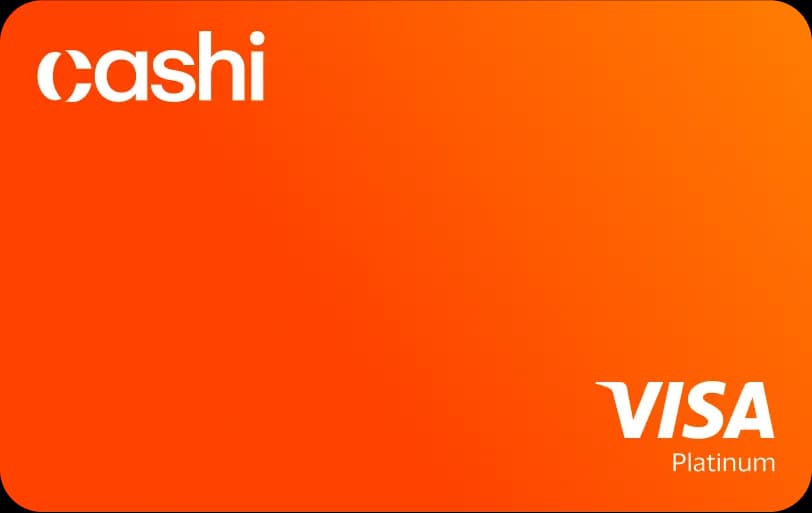
Cashi is run by a Hong Kong-incorporated company, yet it never says whether Hong Kong residents can sign up: it claims 100+ countries and tells you to check the app. So check Hong Kong is offered before you put in a cent. If it is, join through our invite, spend US$50 (about HK$390) on the virtual Visa and US$5 of Spending Credit lands once it settles. US dollar charges are fee-free; Hong Kong dollar ones cost 1%. The 3–2–1% cashback is capped, card-only credit. Not a bank, no deposit protection.
Read our full assessment →Quick answer
Use the referral link for the Cashi offer. New eligible customers can get US$5 credit + 3–2–1% back after meeting the requirement: US$50 (about HK$390) of settled purchases; keep US$5 in the cash balance to activate the card, which you get straight back as credit. Last verified 2026-11-21.
- Reward
- US$5 credit + 3–2–1% back
- Referral code
- No code required
- Last verified
- 2026-11-21
- Difficulty
- Medium
- Time to claim
- About 10 to 15 minutes to sign up; the ID check, first top-up and settlement take longer
- Time to payout
- The US$5 shows on the Reward page after your first US$50 settles; cashback goes Pending, then confirms in a few days
Ad / referral links — we may earn a bonus when you sign up.
How to claim
- Tap our invite link and sign up from it; if the app drops the invite, reopen the link before activating the card.
- Start sign-up and see whether Hong Kong is offered for registration and the card. No Hong Kong, no deposit.
- Do the ID check with a government-issued ID (18+, no US residents or citizens).
- Send in USDT or USDC on a matching network, keep US$5 in the cash balance and activate the card; the US$5 fee comes back as credit.
- Spend US$50, wait for it to settle, then claim the US$5 on the Reward page. Pick US dollars at checkout when you can.
Eligibility & requirements
- Invite attached before the card is issued.
- Hong Kong has to show up in the app; Cashi publishes no country list.
- Withdrawals, transfers, card or wallet top-ups, payment links and money-collection services, Cashi fees, declines, refunds, and any merchant that we (your inviter) or two or more of our other invitees have also paid don't count towards the US$50.
- Cashback is capped: 2% online on the first US$500 a month per named store, 1% travel up to US$20 a month, 3% on a few monthly plans.
- Not a bank: no HKMA or SFC licence named, no Deposit Protection Scheme.
Verification notes
- Minimum spend/deposit
- US$50 (about HK$390) of settled purchases; keep US$5 in the cash balance to activate the card, which you get straight back as credit
- Last verified
- 21 November 2026
- Automated source check
- 15 September 2026
Provider terms can change without warning. Treat this as a verification snapshot and confirm the live terms before applying.
Pros
- Zero conversion fee when you pay in US dollars.
- No monthly fee, and the US$5 activation fee comes right back.
- No deadline on the US$50.
Watch out for
- Hong Kong isn't confirmed anywhere public.
- Paying in Hong Kong dollars costs 1%, and shop-counter spending earns nothing.
- Virtual only: tap needs Android and Google Pay; no Apple Pay yet.
FAQ
- Can I use it in Hong Kong?
- Only if the app offers Hong Kong when you sign up. Cashi says 100+ countries but publishes no list, so check before you top up.
- How much is the US$5 in HK dollars?
- About HK$39 at an assumed US$1 = HK$7.80, for HK$390 of spending. Pay that spend in HK dollars and about HK$3.90 goes on the 1% fee.
- Can I cash out the credit?
- No. Spending Credit only pays for card purchases, though it never expires.
Related offers

Provider
Plasma One
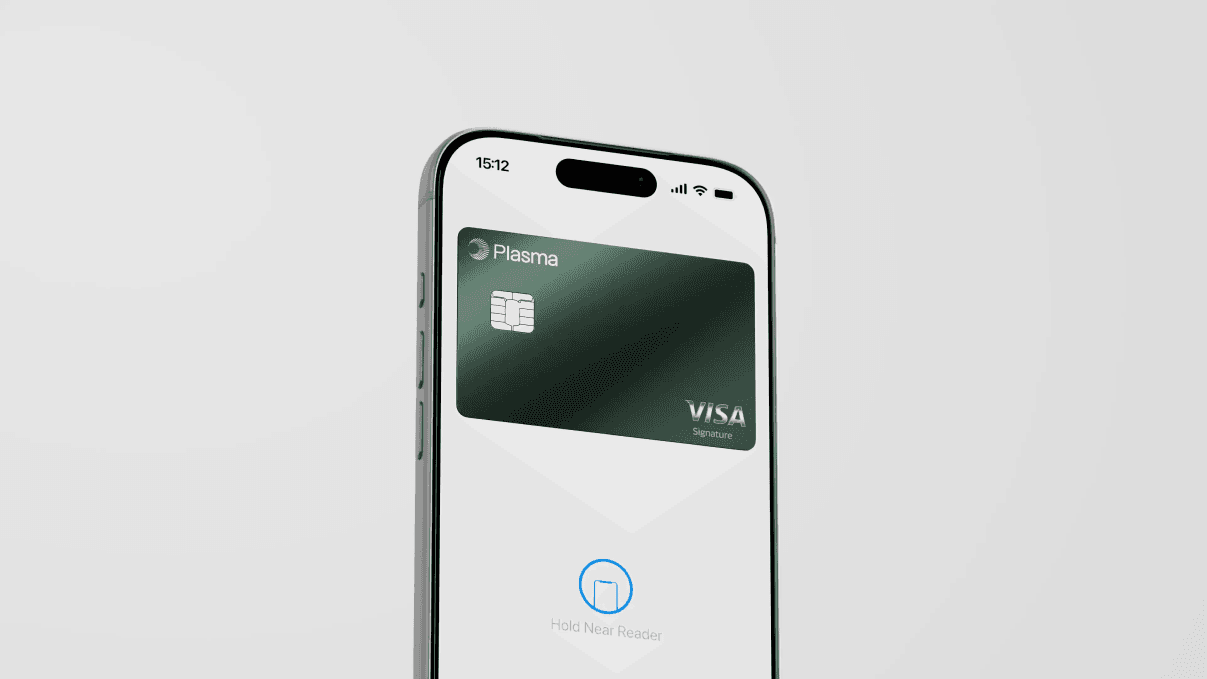
Plasma One blocks Mainland China, not Hong Kong, and Rain issues the card. Code GQUIDS gets you straight in plus two Spend Bonuses in Spending Credit (spend-only, no cash-out): US$10 after US$100 at 2+ merchants in 14 days, US$200 after US$10,000 in 60 days. Free Standard pays 1% on your first US$500 a month, then 0.1%, weekly in XPL. Heads-up: Hong Kong dollar spending costs 1% FX on Standard.
Requirement: US$100 at 2+ merchants in 14 days for US$10; US$10,000 in 60 days for US$200
Medium10 to 20 minutes with ID and address checksPayout Cashback weekly in XPL; bonuses as Spending Credit you can only spend
Verified 22 November 2026

Provider
Startale
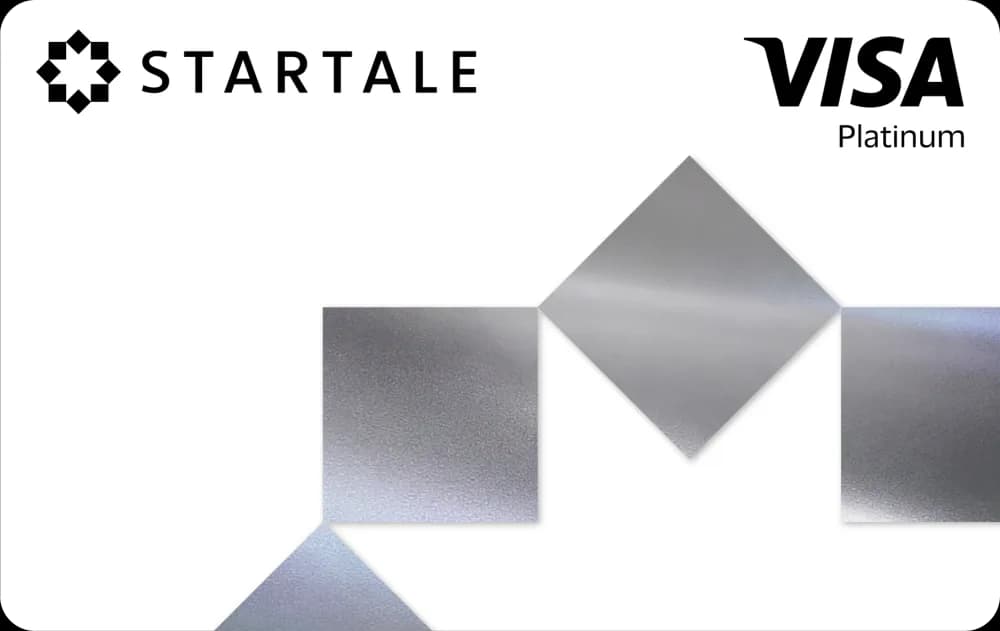
Startale's card comes from Rain's Third National, and Rain blocks Mainland China, not Hong Kong. There's no country list; Startale checks you at Rain's ID step. Join the Startale App with KNEJGM36 to grab a free spot in the queue. Virtual cards have gone out in waves by rank since 2 November 2026. No welcome bonus. You get 1% back in USDSC, but non-USD spending can cost up to 1.5% FX plus up to 1.5% cross-border.
Requirement: Free to queue; you'll need USDSC once you're in
Easy5 minutes to queue; about 5 minutes to apply once invited, up to 5 business days of reviewPayout Invites go out in waves by rank; 1% cashback in USDSC on settled purchases
Verified 20 November 2026

Provider
Solid
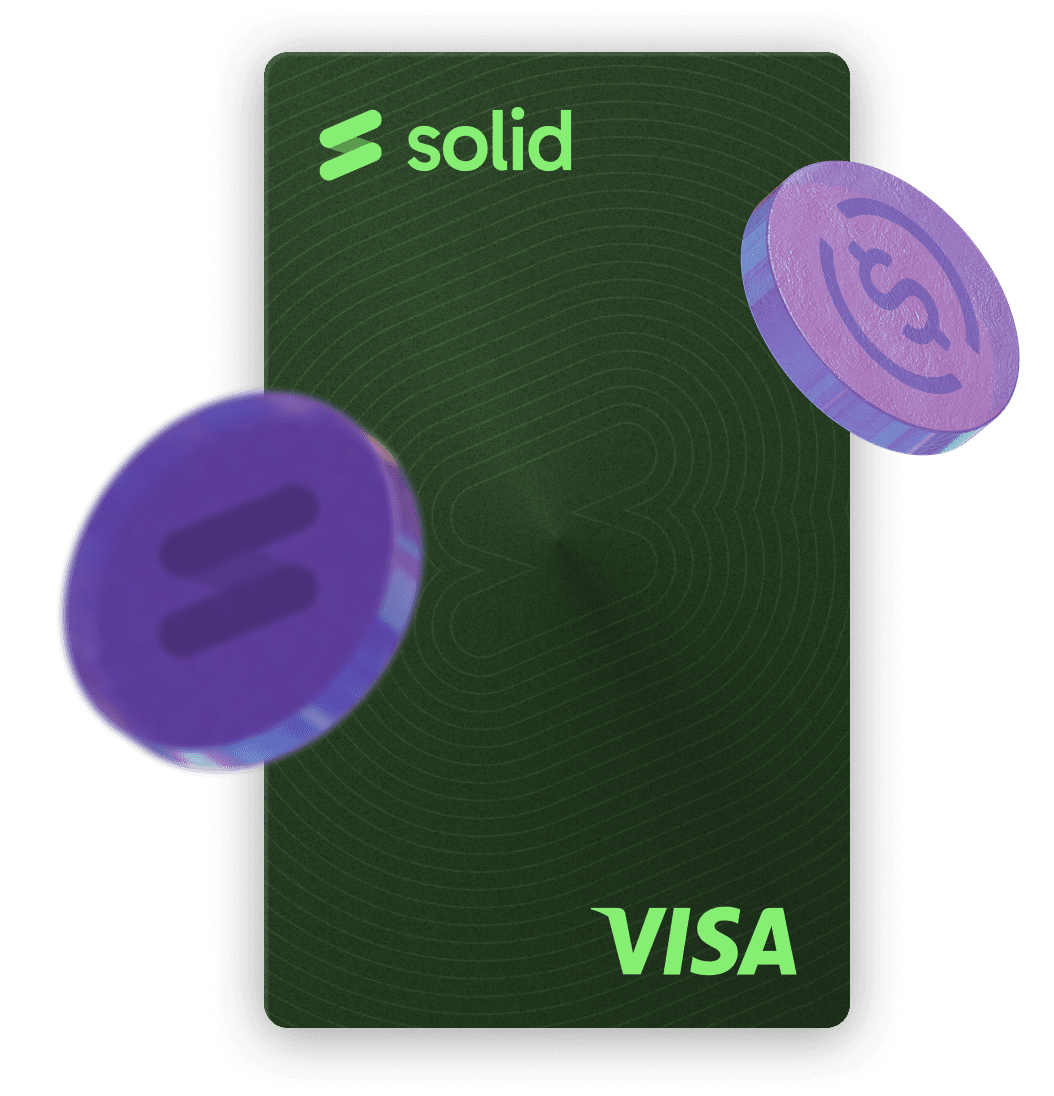
Solid lists Hong Kong for its card, and the free virtual Visa now comes from Wirex. Sign up with 2SS2K, then within 30 days verify, switch on the card and spend US$150 at 3+ shops (US$10+ each) for US$10 in card credit. Hit US$5,000 within 90 days and another US$50 drops in. The credit only works on Solid card spending, so you can't cash it out. Paying in Hong Kong dollars costs 1.5% FX baked into the rate.
Requirement: 30 days: verify, activate, US$150 at 3+ shops (US$10+ each) for US$10; US$5,000 in 90 days for US$50 more
Medium15 to 30 minutes to set up; the spending takes a bit longerPayout Card credit lands when you hit each target, after up to 14 days of review
Verified 22 November 2026
Featured in these guides
Added 15 September 2026 · Last updated 21 November 2026. Offers and terms change frequently - always confirm on the provider's site before applying.